This Literacy Life: app

Showing posts with label app. Show all posts

Book Talk Thursday ~ ustyme app

This week's Book Talk Thursday is a little different than most weeks!

I was excited to have the chance to try out and review the ustyme app.  Since I will be away at a conference in a couple of weeks, this will be the perfect way to read with my kids while I am away.

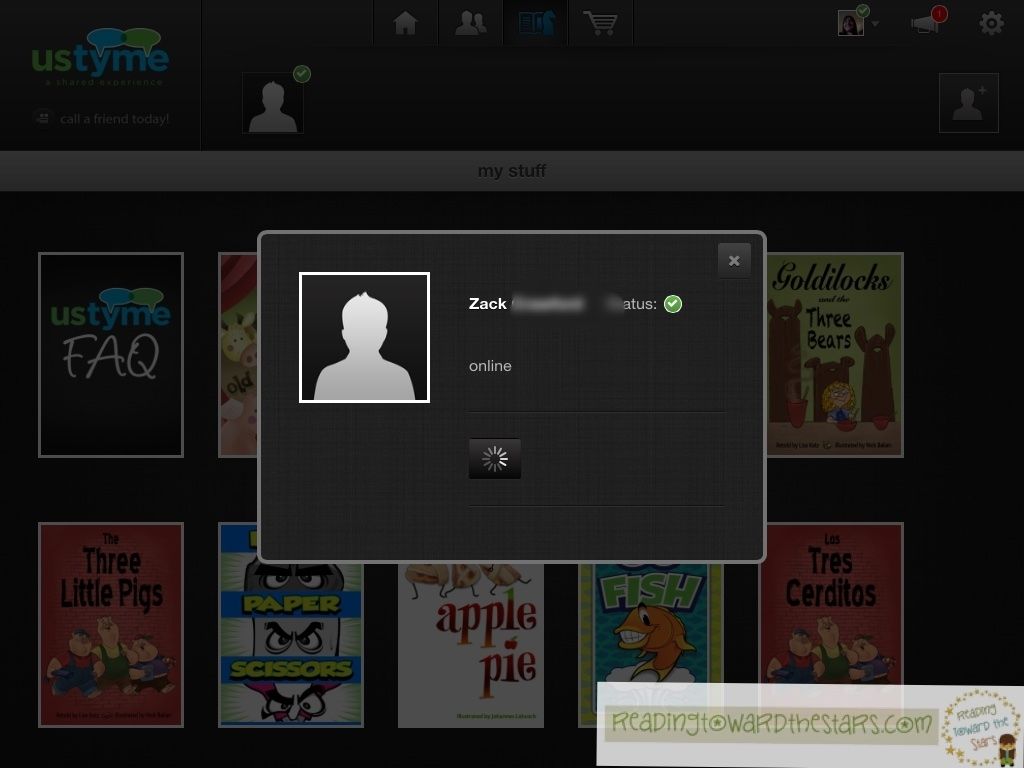
After downloading the app, I was able to access the books and games to read and play with Zack.  We had to become "friends" through the app, so we could read together.  He called me, and we could actually see and hear each other.
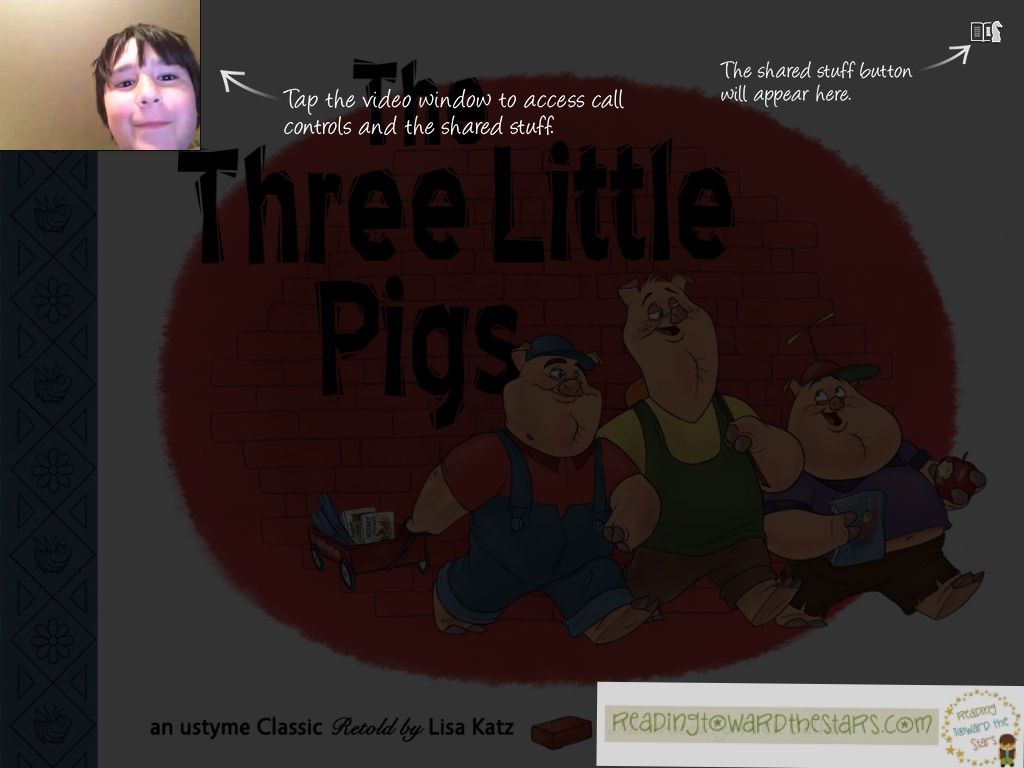
He chose the book The Three Little Pigs to read together.
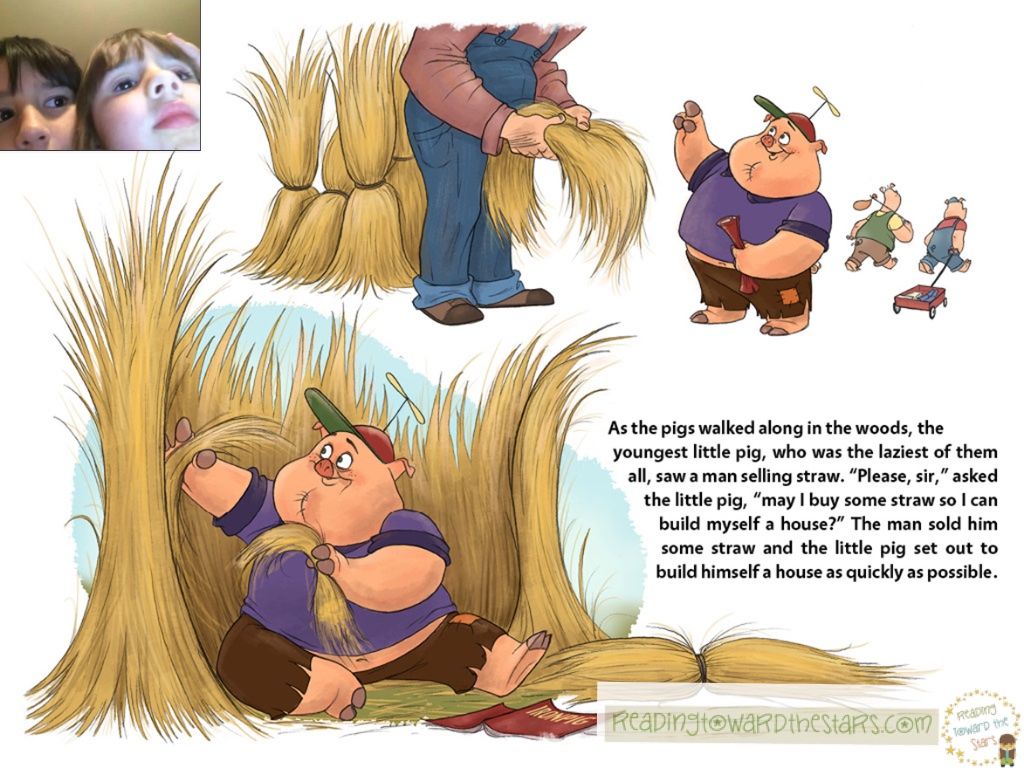
We read the book together and even got Ginny Beth in the picture.
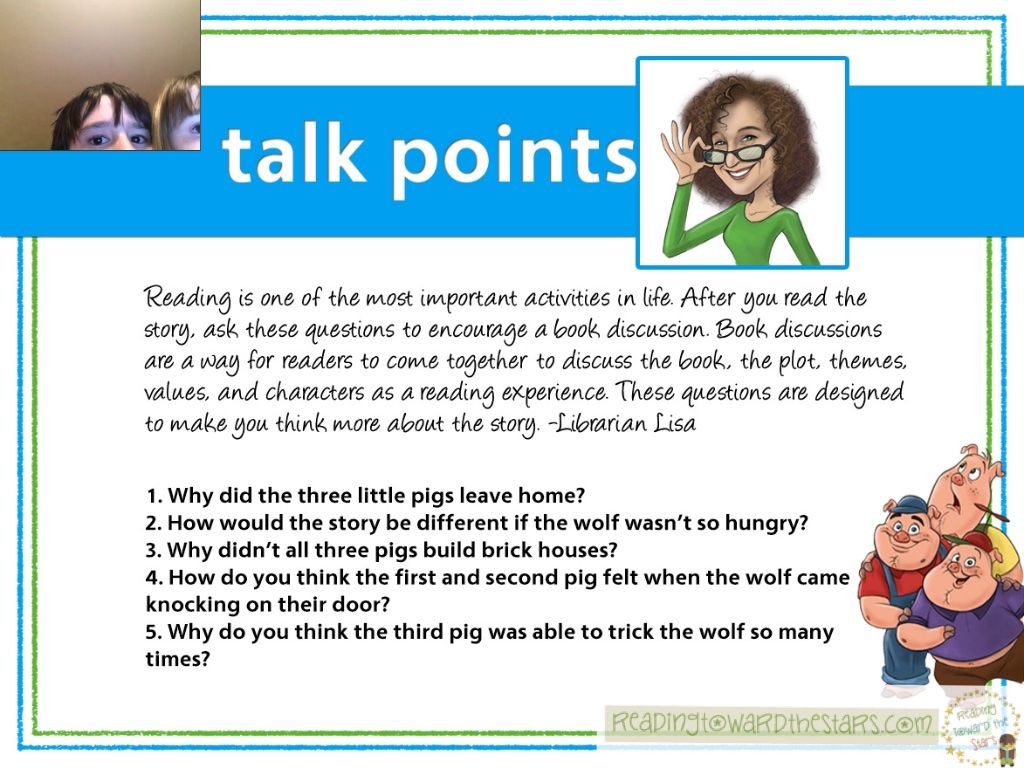
At the end of the book, there were some talk points we could use to discuss the book after reading it.
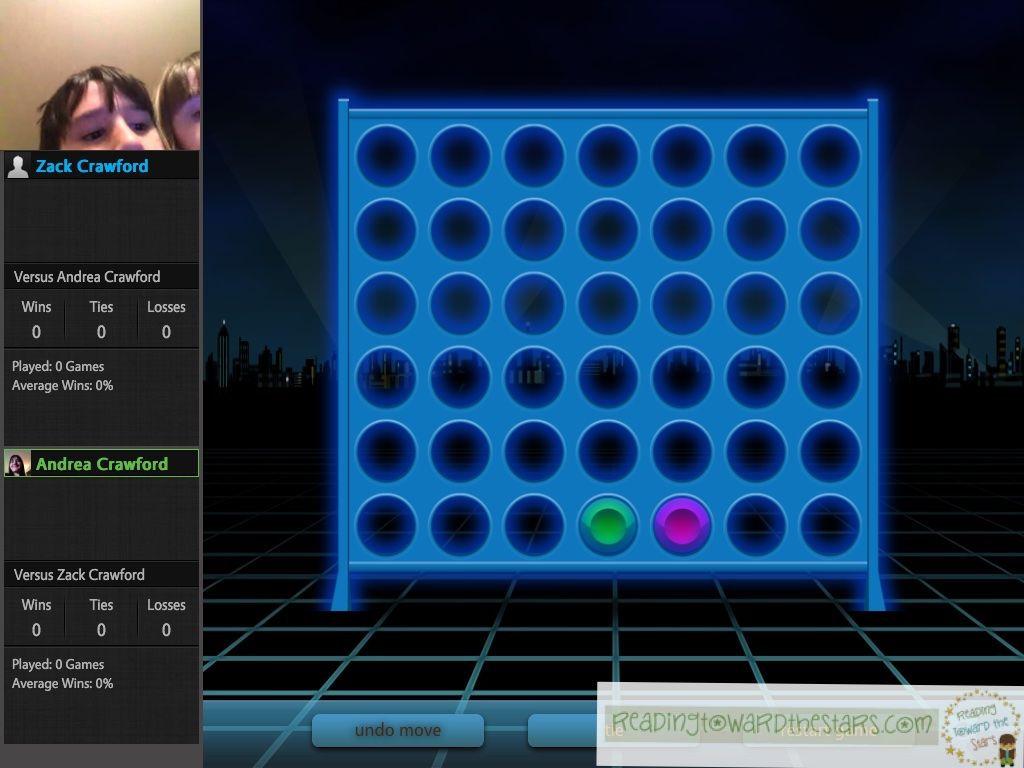
Then we played the game Four in a Row against each other.  It was really neat to play and enjoy some time together.  Of course, most of what I heard was the kids arguing over who would get to take the next turn!

Overall, this is a great app that will keep you connected at any given time when you are away from each other.  I love that we can see each other and talk to each other at any given time.  It will definitely be an app I can use over and and over.

The app is free, and there are many more books for all ages that can be purchased in their store.  This way I could get more books that would be good for both of my children, who are very different ages.

Don't forget to link up a favorite book!  In March I will start a new one, so link up before February 28th!

0
Rhyme to Read Review and Giveaway!

I love when new apps come out to help students with reading!  I have had the opportunity to review the app Rhyme to Read.
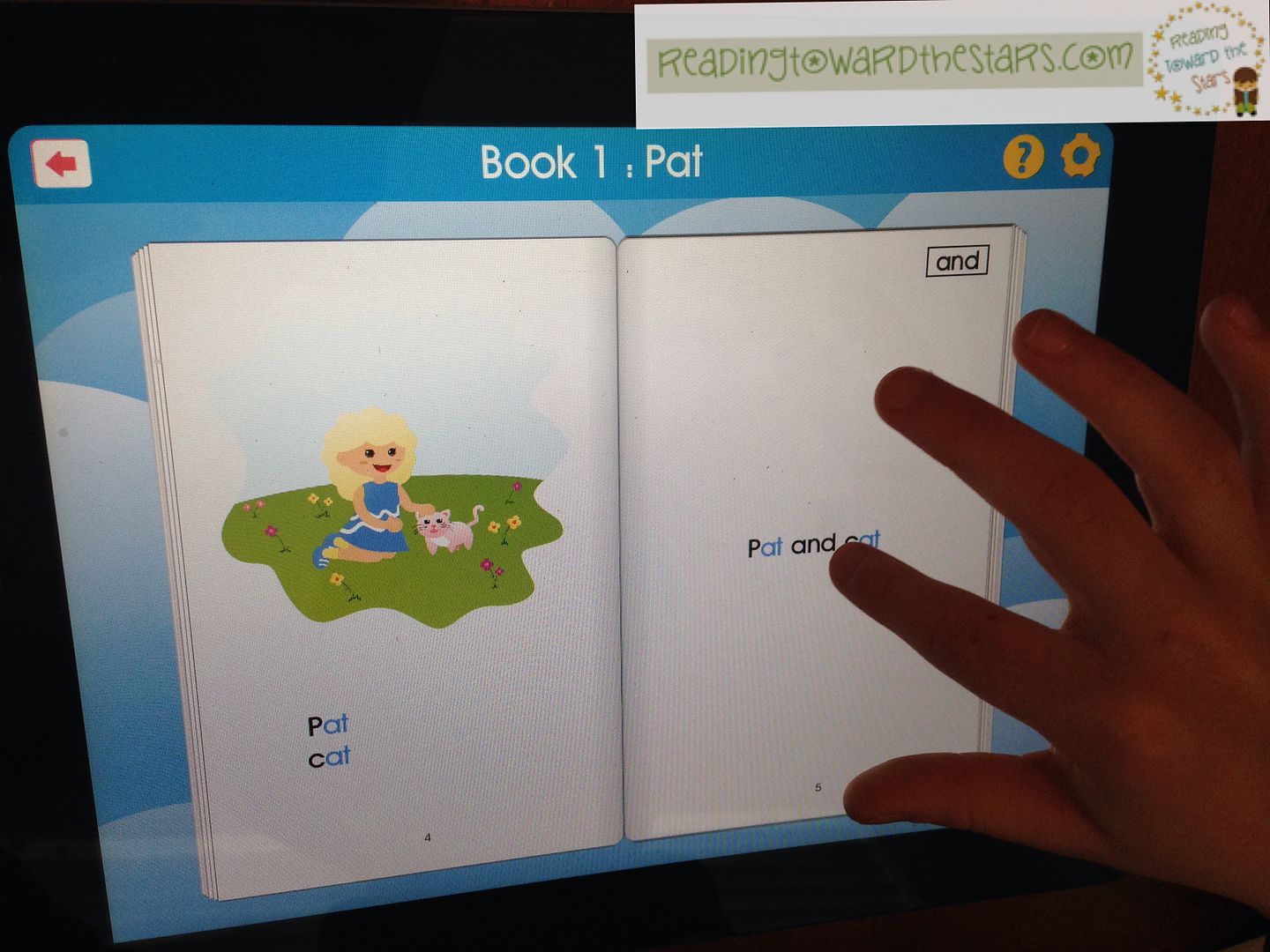
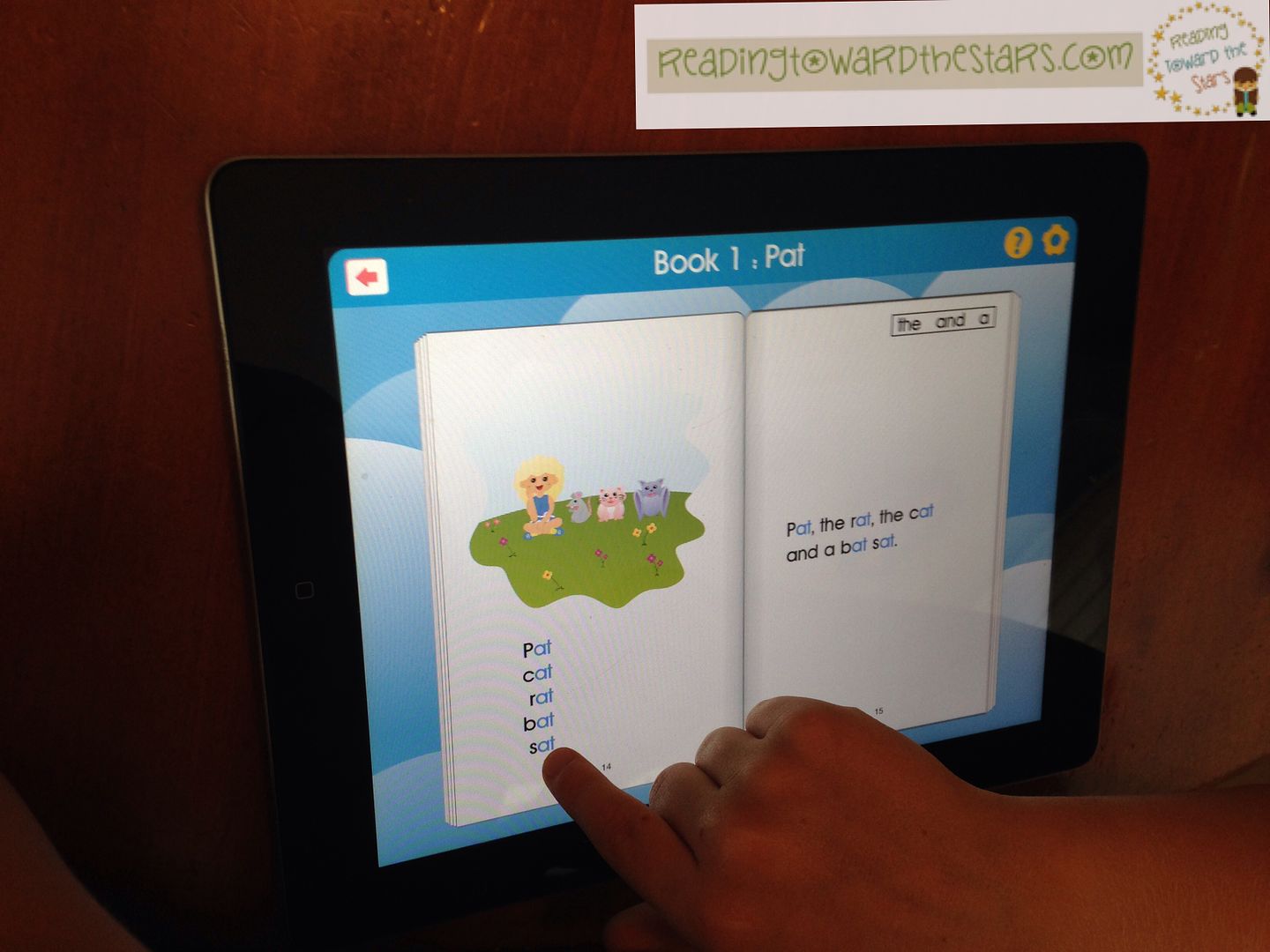
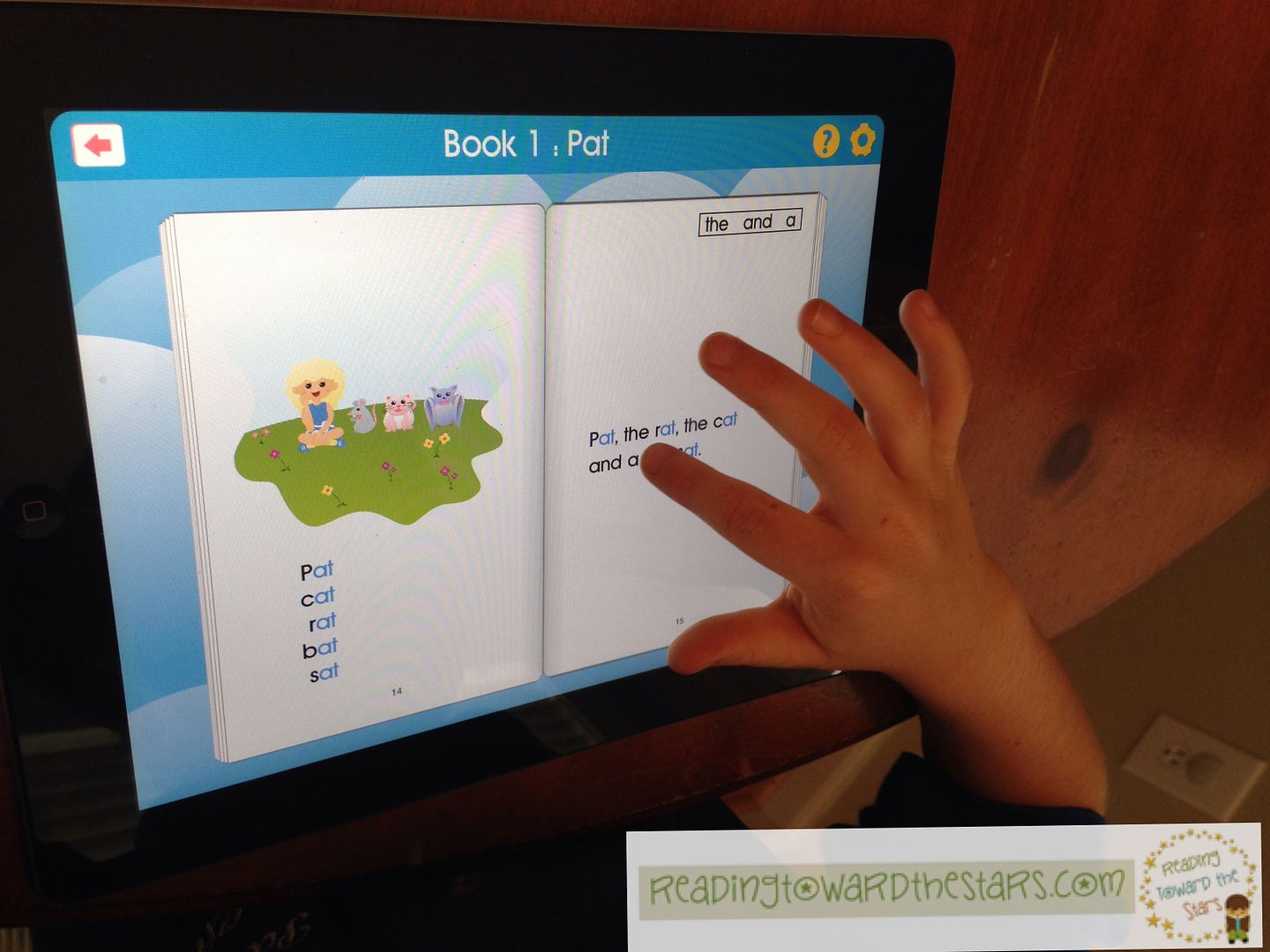
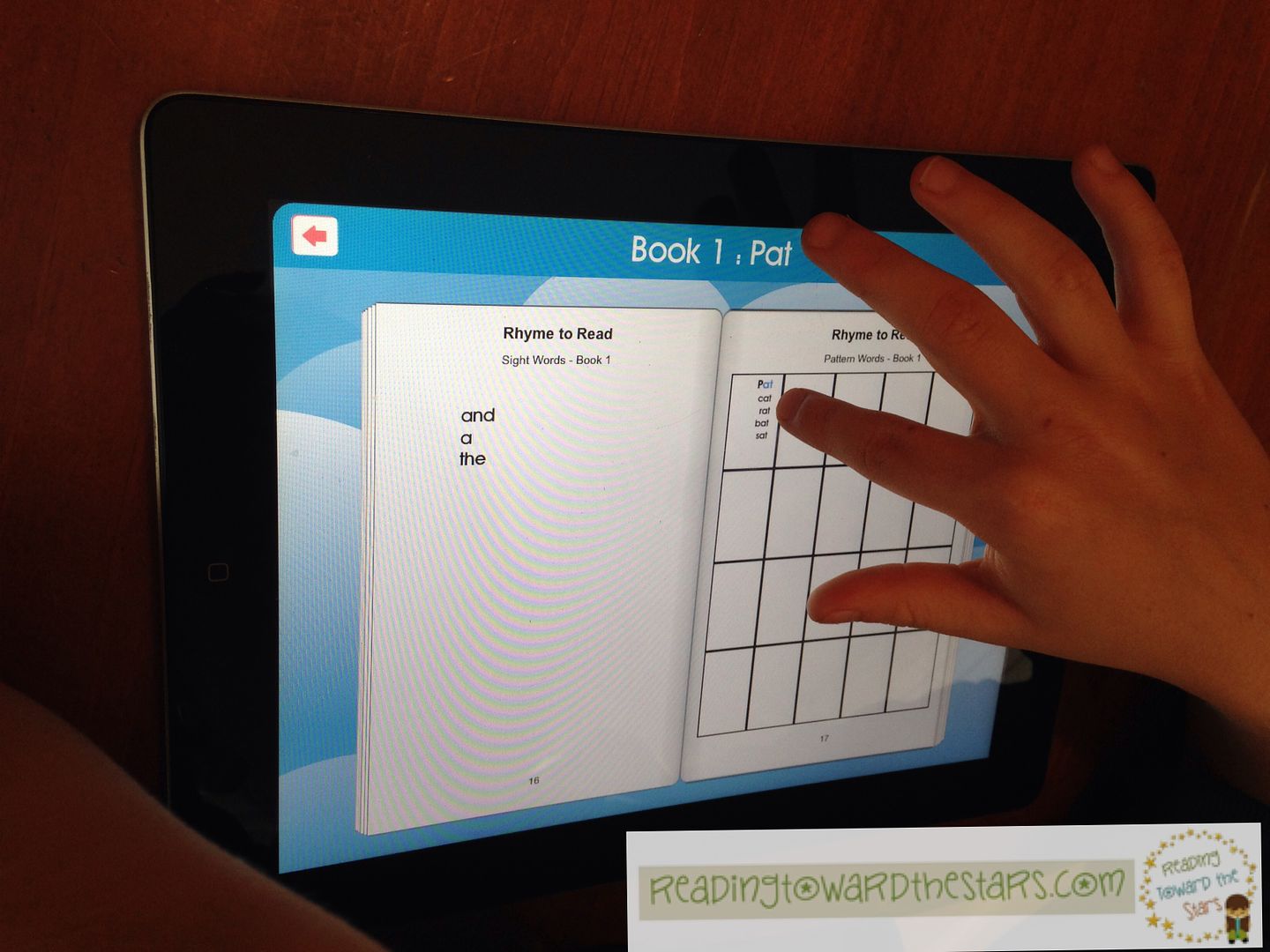
This app is a gold mine for reading that is perfect for helping young readers learn to read effectively!  It is more than an app, but a full reading program!  The full app features 20 books which feature word families.  The books progress through the word families, allowing children to rhyme the words on each page to help them read.  Here is an example from the first book.

After using the word families and sight words, he was able to easily read the pages.  When he touched a word, it would read it to him ~ though he didn't really need it.

At the end of the book, he was able to review the words that he had read.  As the program progresses, he can review the words he learned from previous books.  The stories build on the earlier learned word families.  This is important as he progresses through the books.  I love that aspect of it!  Review is so important!!

I also love that it was created by two learning specialists who have used it themselves.  Honestly, it is an app that every kindergarten teacher and reading specialist should have access to!

And guess what!?  You have a chance to win your very own copy!  Just enter in the Rafflecopter below!

a Rafflecopter giveaway

How would you use this app to help students learn to read?

**The views in this review are my own.  I have received a copy of the app for review.
**Thank you to Ashley Hughes for the frames!

8

Five Apps for Friday ~ June 6, 2014

This was my last week of work ~ just cleaning up and professional development.  I am linking what I learned in my PD with Kacey at Doodle Bugs Teaching.
http://doodlebugsteaching.blogspot.com/2014/06/five-for-friday-linky-party-june-6.html
Last Thursday I went to a PLAYDATE, where I got to investigate lots of apps with a facilitator and other teachers.  I had a lot of fun learning about lots of different apps I didn't know much about.  The best part is that ALL of these are FREE!

1.  The first session I went to was all about the app Evernote. Now I have had this app on my ipad for quite some time, but I have never really used it.  Wow!  There is so much I could do with this app!  And Evernote Peek is even more fun!  All of it is free.
Evernote logo.svg
With Evernote, I can make notes about students in SCT meetings and sync it to different devices.  That means I don't have to carry my notebook with me anymore!

Students can use it to record ideas and even their own voice.  What a great tool to use during running records, so I can check on what they read if I have any questions!

2.  One of my favorite apps I played with was StoryKit.  In StoryKit, kids can create their own stories by taking pictures, writing their story, and even recording their voices.  I loved using it because the students can use it for so much more than just telling stories.  They can also use it to write reports and show the class, all with an iPad! 
https://itunes.apple.com/us/app/storykit/id329374595?mt=8
3.  Another great storytelling app is 30Hands.  This was another easy to use app that students can work with pictures and words to create their own stories.  I didn't spend as much time with it, but it was fun to use!
http://ipresentonline.com/
4.  Nearpod was another great app.  It helps you guide your students through the presentation.  The students move at your pace and cannot get ahead of you.  This would definitely be helpful for students in the middle and high school grades who like to get ahead of you.
http://www.nearpod.com/how-it-works/
5.  I didn't go to this session, but this was one of my favorites!  You don't even have to have an app for this but a laptop and Smartphone/tablet will work just fine.  Kahoot! was a hit with all of us! 
Kahoot!
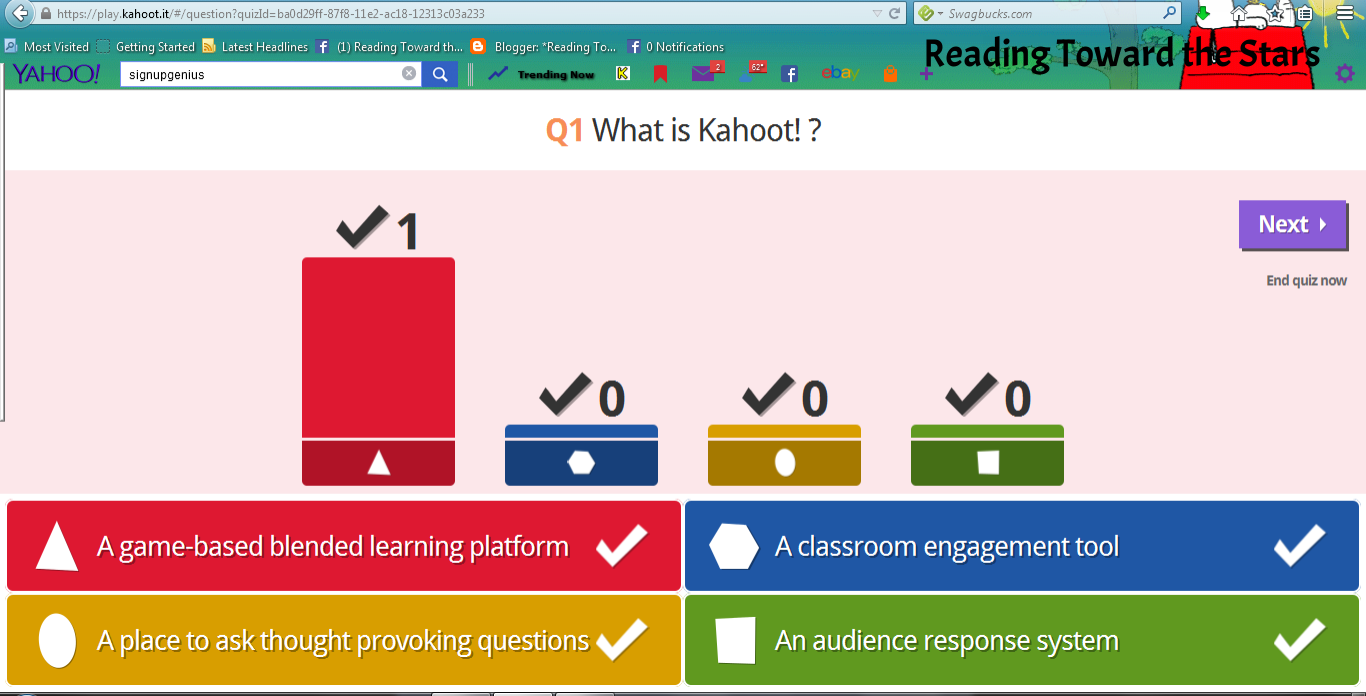
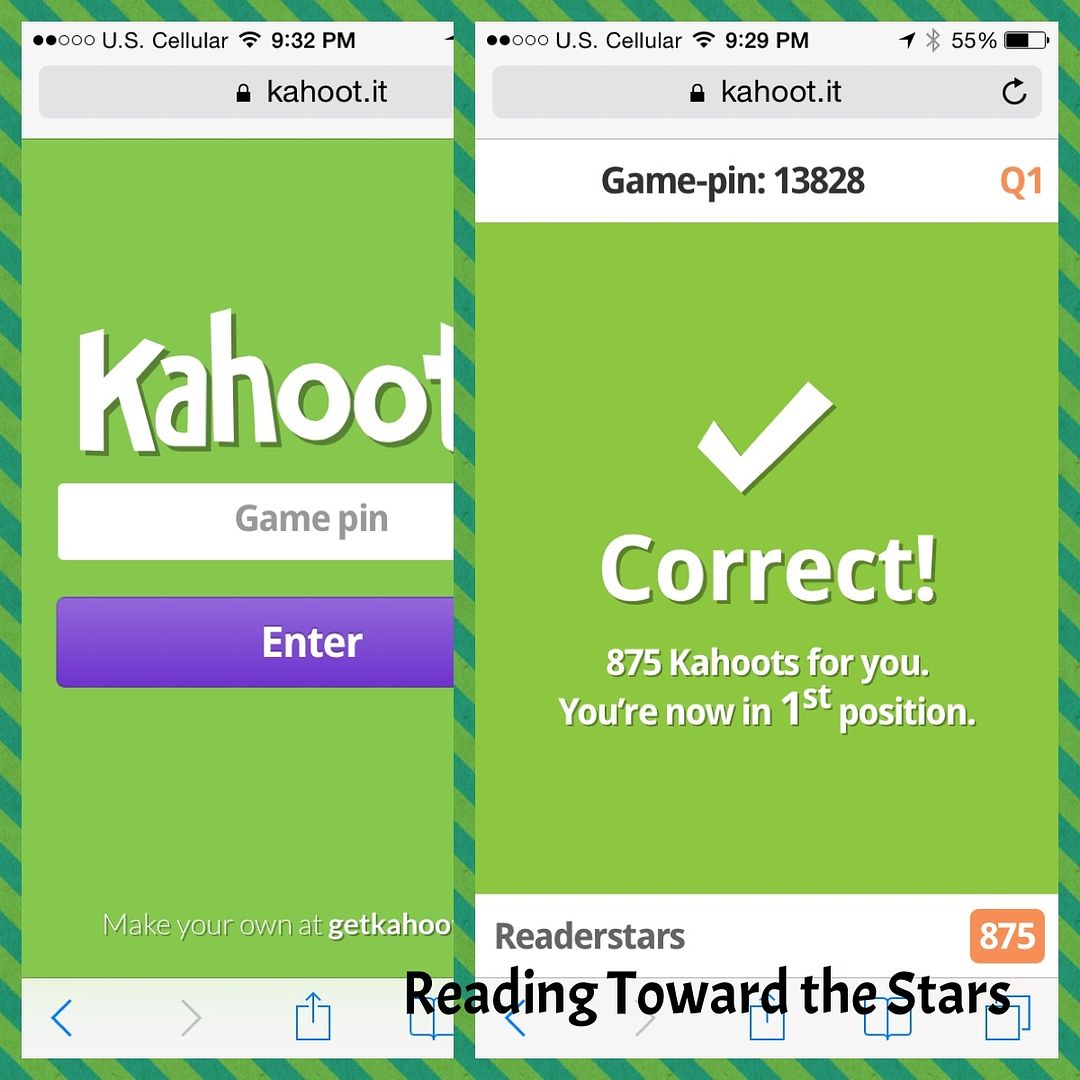
In this app, you can create quizzes for your students to answer with their devices.  You don't have to have a SmartBoard but just a projector and computer.  Here are some examples I did with their own quiz and my phone.

By answering the questions quickly and correctly, the students earn points and get on the leaderboard.  It was fun to see who was getting them correctly the quickest!
 
Which app would you be most apt to use in your classroom?

What did you do this week?   Link up with Kacey at Doodle Bugs Teaching for Five for Friday and let us know!

3